Device compatibility
Fire TV models and software versions differ. Check your exact Firestick 4K model before choosing an app.
 Free trial
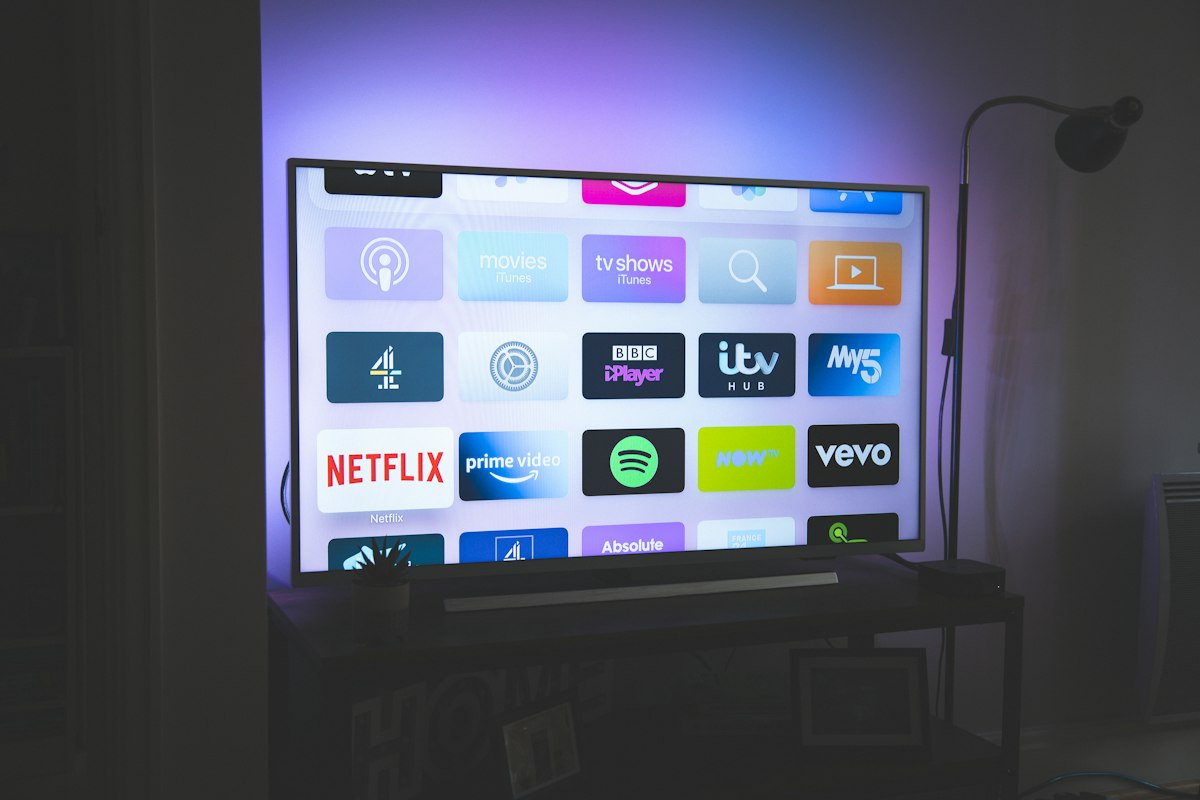
Firestick 4K is a popular streaming stick that plugs into your TV and runs internet-based applications, including compatible IPTV players. 4KFIRESTICK brings together practical information for viewers looking at IPTV UK options: how a Firestick 4K works with streaming apps, which device checks matter before installation, and how our subscription plans and 24-hour trial work. Browse step-by-step device guides, compare plan prices, read our policies and contact support on WhatsApp or by email whenever you have a question.
4KFIRESTICK is an independent website and is not affiliated with, endorsed by or sponsored by Amazon. Firestick and Fire TV are Amazon trademarks.
Firestick 4K belongs to Amazon's Fire TV family of streaming sticks. It connects to a television through HDMI, joins your home Wi-Fi and runs applications from an app store, much like a smart TV does. On its own it does not supply content; the apps you install decide what you can watch.
IPTV, or internet protocol television, uses that same internet connection to deliver live channels and on-demand video. An IPTV player app on the device receives access details from a provider and plays the streams the provider is authorised to offer. For anyone comparing IPTV UK services, the device and the app are two separate pieces that both need to work together.
Before installing an application, check which Firestick model and software version you have, whether the app lists your device as supported, and whether your broadband is stable. Compatibility matters because Fire TV generations differ, and an app that runs well on one model may behave differently on another. If you are new to UK IPTV, take a few minutes to understand how IPTV works before you choose a plan.
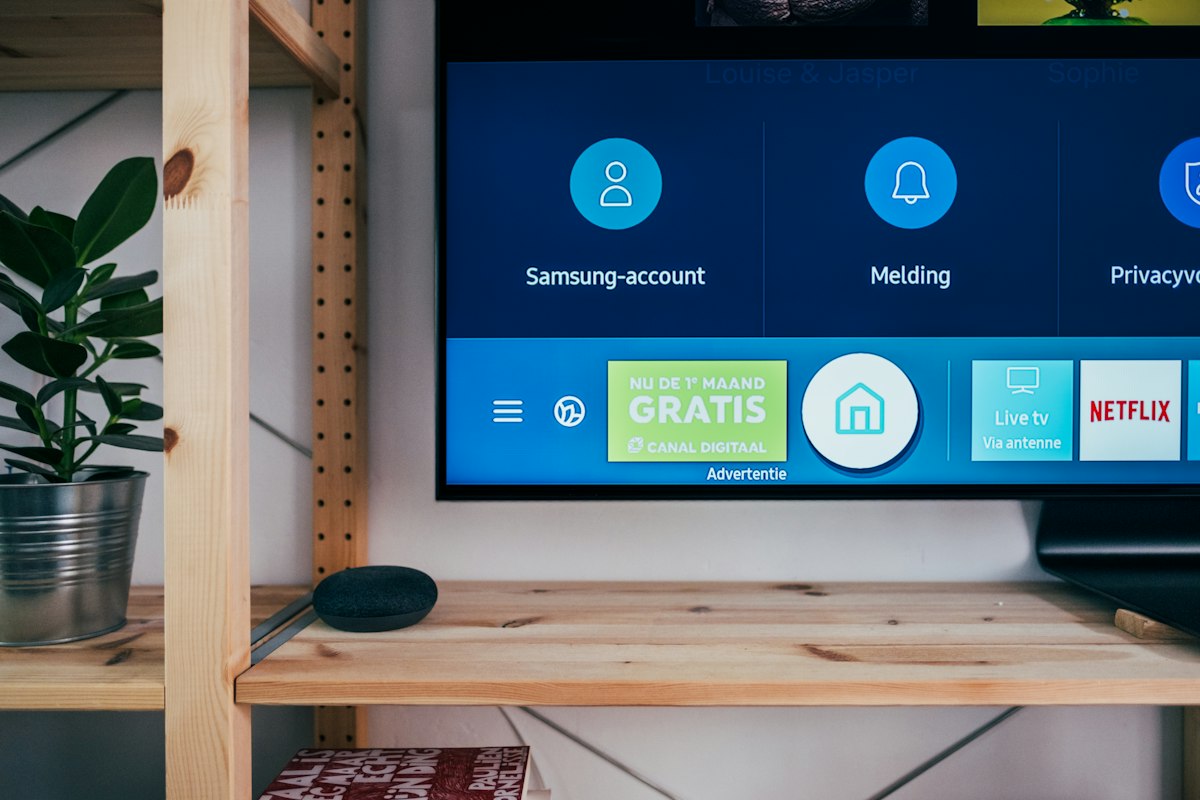
These checks apply across Fire TV devices generally. Features and support vary by model and generation, so always confirm details for your own device.
Fire TV models and software versions differ. Check your exact Firestick 4K model before choosing an app.
Each IPTV player sets its own requirements. Confirm the app supports your device before you install it.
Streaming relies on your broadband. A stable connection matters more than any single device setting.
Most players use the Fire TV remote for menus, programme guides and playback controls.
Setup instructions are supplied after purchase, alongside the general guides on this website.
Tell support your device model and app name for help that matches your setup.
4KFIRESTICK offers digital IPTV subscriptions for customers in the United Kingdom, covering live TV channels, movies and on-demand content, TV series and sports content. Alongside the service, this website explains how UK IPTV fits with the devices people already own.
You can check device guidance for Firestick 4K, Smart TVs, Android and iPhone, read how the 24-hour trial works, compare plan durations and prices, and find support details and policies in one place. Digital access and setup instructions are supplied after purchase.
How IPTV UK subscriptions work
A general pathway that applies whichever compatible player you choose.
Confirm your device model and the application you plan to use support each other.
Make sure your Firestick 4K is online through Wi-Fi or a wired adapter.
Identify a compatible IPTV application or player for your device.
Install the app using its own instructions and the setup details you receive.
Use only content and services you are legally authorised to access.
Amazon Firestick, Smart TVs, Android devices and iPhones are the supported device families. Exact models and apps should be confirmed for your setup.
Model checks, Fire TV software and choosing a player for your stick.
Firestick IPTV guideCompare TV platforms and what to confirm before installing an app.
Smart TV IPTV guideOptions for Android phones, tablets and Android TV boxes.
Android IPTV guideSuitable players and requirements for Apple phones.
iPhone IPTV guideThe IPTV free trial gives you 24 hours to see how the service runs on your own device and connection before you spend anything. Request it on WhatsApp, follow the setup details you receive and test the apps and content categories that matter to you.
When the trial ends, you decide whether to buy a subscription. If you pay, your trial access is renewed for the plan you choose. Full details are on the free trial page, and refund conditions are in our refund policy.
Each IPTV subscription gives the same service over a different length of time, so the right choice depends on how long you want access. When people search for the best IPTV, the useful questions are practical: clear prices, device compatibility, responsive support and fair refund terms. Compare the full details on our IPTV subscription plans page.
Start with the guide that matches your device or question.
Fire TV model, software and player checks before installation.
Open guideA device chooser that points you to the right setup pathway.
Open guideHow internet television delivery differs from aerial and satellite.
Open guideAn overview of this third-party player and its configuration choices.
Open guideA separate third-party TV app and what it needs to run.
Open guideSamsung, LG and other TV platforms compared for IPTV use.
Open guideRequirements for phones, tablets and Android TV devices.
Open guideChoosing and preparing an IPTV player on iOS.
Open guideThe same features come with every plan. Compare durations on our pricing page or start with a 24-hour free trial.
Included with every plan
Useful information, set out plainly, so you can make your own decision.
Every plan price and duration is published in full.
Practical checks for Fire TV devices before you install anything.
Separate guides for Firestick, Smart TV, Android and iPhone.
A clear explanation of how the trial works and what happens after.
WhatsApp and email support for orders and setup questions.
Privacy, terms, refund and cookie policies are easy to find.
Quick answers to common questions. More are on the full FAQ page.
All frequently asked questionsFirestick 4K is a model in Amazon's Fire TV streaming-stick range. It plugs into a TV's HDMI port and runs streaming applications over your home internet connection. 4KFIRESTICK is an independent website and is not affiliated with Amazon. Read about IPTV on Firestick.
Many IPTV players are available for Fire TV devices, but support depends on your exact model, its software version and the application itself. Check the player's own requirements before installing it. See the IPTV Smarters Pro overview.
IPTV UK describes television and on-demand content delivered over the internet to viewers in the United Kingdom, instead of through an aerial, satellite dish or cable box. Learn how IPTV works.
A UK IPTV service streams content over your broadband connection to a compatible app on your device. The app receives access details from the provider and plays the streams it is authorised to show.
Our IPTV free trial lasts 24 hours and is requested on WhatsApp. After the trial you decide whether to buy a subscription; if you pay, your trial access is renewed for the plan you chose. Free trial details.
IPTV subscription prices are £13 for one month, £24 for three months, £36 for six months and £54 for twelve months, which includes one extra month. Compare subscription plans.
Installation steps depend on the application you choose. Setup instructions are supplied after purchase, and our guides explain the general pathway for each device family. Open the installation guide.
Check the prices and plan durations, device compatibility, how support is offered, the refund terms and whether the provider can explain its content rights clearly. How subscriptions work.
Our Firestick page covers model and software checks and how to choose a player. Account-specific setup instructions are sent after purchase. Firestick setup pathway.
Restart the app and the device, confirm your internet connection and check that the app is up to date. If the problem continues, contact support on WhatsApp or by email with your device model and app name. Contact support.
Check your device, try the service for 24 hours and choose a plan only if it suits you. Support is available on WhatsApp and by email if you have questions along the way.